
Windows Server 2022 · RDS CALs
Microsoft RDS CALs for Windows Server 2022
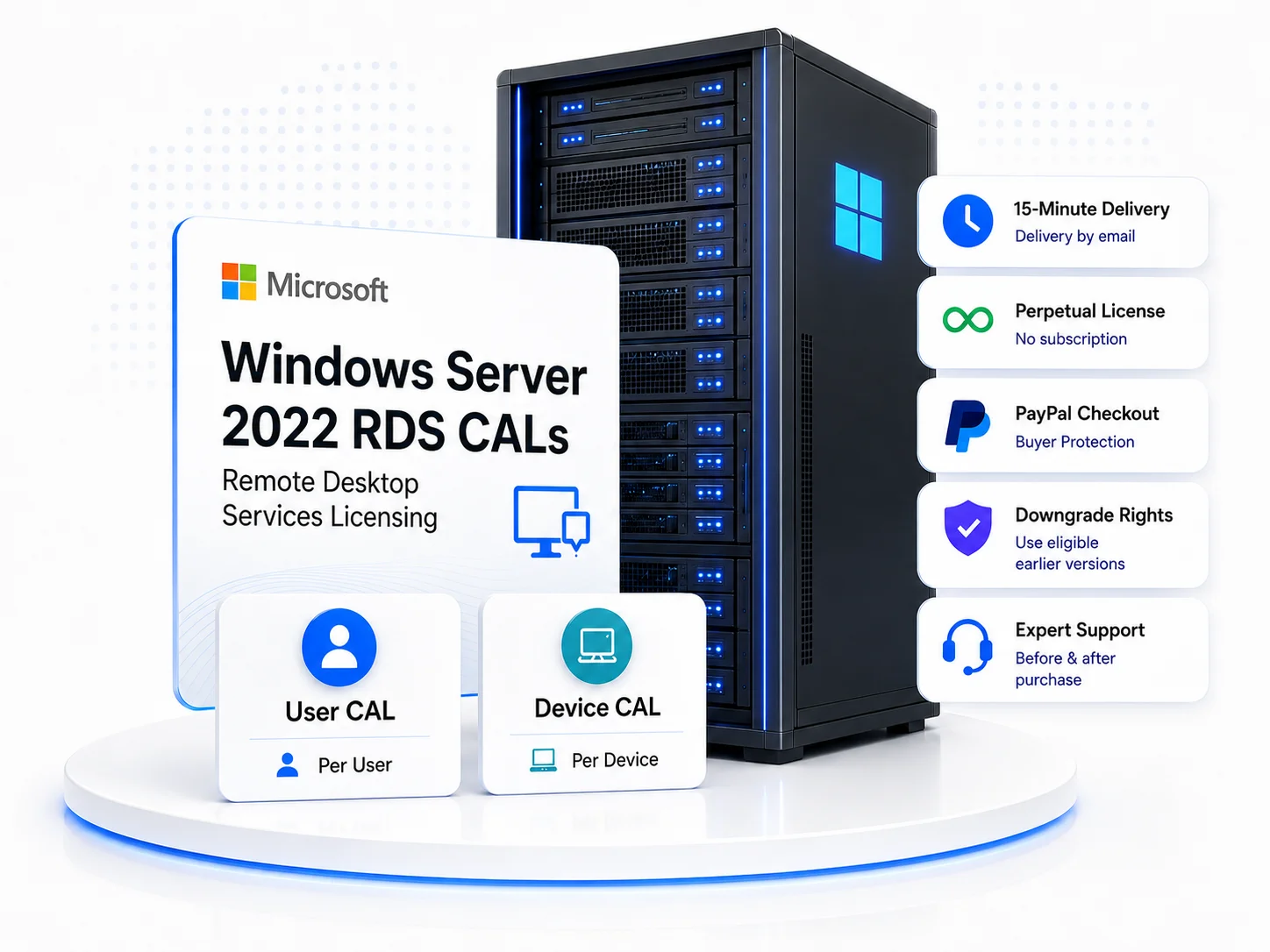
Buy Microsoft Windows Server 2022 Remote Desktop Services CALs for your business RDS deployment. Choose User CAL or Device CAL packs based on your environment, whether you are licensing individual users, shared devices, or a growing remote desktop setup. Our team can help before and after purchase if you need guidance choosing, ordering, or setting up your RDS CALs.
Looking for another server version?
Choose the product page that matches the Windows Server version you need to license.
Server 2025 RDS CALs
Server 2019 RDS CALs
Server 2016 RDS CALs
Choose the right Windows Server 2022 CAL type
Before selecting a pack size, decide whether your Windows Server 2022 RDS CALs should license individual people or fixed endpoints. The right choice depends on how users connect to your Remote Desktop Services environment.
Simple buying rule
User CALs follow people. Device CALs follow endpoints. Shared computers usually fit better with Device CALs.

RDS User CALs
Choose User CALs when a specific person needs Remote Desktop access on Windows Server 2022, especially when they connect from more than one device.
Best when:
- Named users connect from laptops, office PCs, or home workstations
- Access is assigned to employees, contractors, or regular users
- Licensing by person is easier than tracking every endpoint
Deployment note
User CALs are best suited to Active Directory environments. If your server is on a Workgroup and you don't intend to use Active Directory, select Device CALs.
RDS Device CALs
Choose Device CALs when Windows Server 2022 Remote Desktop access is tied to specific computers, terminals, shared office systems, or fixed workstations.
Best when:
- Multiple people use the same workstation or terminal
- Your environment uses shared desks, fixed PCs, or shift-based access
- Your Windows Server setup is Workgroup-style or device-focused
Selection tip
Device CALs are often simpler when access is tied to fixed endpoints rather than individual users.
Use Windows Server 2022 RDS CALs across supported versions
Windows Server 2022 RDS CALs are intended for Windows Server 2022 Remote Desktop Services deployments and eligible downgrade use on supported Windows Server 2019 and 2016 RDS environments. They do not license Windows Server 2025 deployments.
Avoid version mismatch
Newer RDS CALs can cover earlier supported versions. Older RDS CALs cannot be used for newer Windows Server RDS deployments.
2022
Supported
Windows Server 2022 RDS
Use 2022 RDS CALs for Windows Server 2022 Remote Desktop Services deployments.
2019
Downgrade use
Windows Server 2019 RDS
Eligible for Windows Server 2019 Remote Desktop Services environments through supported downgrade use.
2016
Downgrade use
Windows Server 2016 RDS
Eligible for Windows Server 2016 Remote Desktop Services environments through supported downgrade use.
Mixed deployment planning
If your environment includes Windows Server 2022, 2019, and 2016 RDS servers, 2022 RDS CALs can help keep the licensing version consistent across those supported deployments.
Planning for Server 2025?
If any Remote Desktop Session Host is running Windows Server 2025, choose Windows Server 2025 RDS CALs instead of 2022.
Fast delivery, with 60-day moneyback protection
After successful checkout, your Windows Server 2022 RDS CAL license details, setup guidance, and order record arrive within about 15 minutes. Your order stays covered by 60-day moneyback protection and self-serve corrections from your account.
Delivery and account
License details, setup guidance, the video installation guide, and invoice/order record are sent within 15 minutes after successful checkout, and stay available in your account Order Summary.

Select your 2022 RDS CALs
Choose the User or Device CAL type and pack size that match your Windows Server 2022 Remote Desktop Services deployment.
Complete checkout
Enter accurate business, billing, contact, and licensee details so your order records match the intended buyer or organization.
Delivery email
Your license details, setup guidance, video installation guide, and invoice/order record are emailed within 15 minutes.
Order Summary
Your license details and order information stay available in your customer account under Order Summary for future reference.
How your order is protected
- 60-day moneyback. If a delivery, access, installation, or licensing issue can't be resolved by support, your moneyback is processed within 24 hours.
- Self-service corrections. Correct the User/Device CAL type or Windows Server version from your Order Summary within 60 days, with any price difference shown.
- PayPal checkout. Orders are paid through PayPal, with card options shown at the payment step.
- Guidance when needed. Contact us before ordering if you're unsure, or after purchase for setup help.
Included after checkout
- RDS CAL license details
- Setup guidance and next steps
- Video installation guide
- Invoice / order record
- Customer account Order Summary access
Use accurate checkout details. They're used for your order records and to send your license details to the right email address.
Windows Server 2022 RDS CAL questions answered
Quick answers specific to 2022 RDS CAL version coverage, CAL type selection, activation timing, corrections, refund cover, and purchase records.
Review before checkout
Use these answers to confirm common purchase details before moving to the shop page or contacting support.

Which Windows Server versions can I use these 2022 RDS CALs with?
Windows Server 2022 RDS CALs cover Windows Server 2022 and include eligible downgrade use for supported Windows Server 2019 and 2016 Remote Desktop Services deployments. They cannot be used with newer versions such as Windows Server 2025 - use Windows Server 2025 RDS CALs for 2025 deployments.
When will I receive my license details?
Your license details, setup instructions, a video installation guide, and an invoice are sent by email within 15 minutes after successful checkout. They also remain available in your account dashboard under Order Summary.
What if I order the wrong CAL type or server version?
If you pick the wrong server version or need to switch between User and Device CALs, you can correct it yourself from your account Order Summary or contact us within 60 days of purchase. Exchanging between User CALs and Device CALs of the same value carries no charge. You only pay the difference if the option you exchange to is of higher value than your original order.
What if there is a problem with my order?
Your order is protected by our 60-Day Moneyback Protection. If your license is not delivered, cannot be accessed, was supplied incorrectly, or has a licensing issue our support team cannot fix, we make it right through re-delivery, correction, replacement, or technical support. If we cannot resolve a covered issue, your full moneyback refund is processed within 24 hours.
Can I add more 2022 RDS CALs later?
Yes. You can purchase additional Windows Server 2022 RDS CAL packs later if your user or device count grows. Keep the CAL type and version aligned with your deployment.
Do these licenses expire or require renewal?
No. These are perpetual RDS CALs and do not require monthly or annual renewal.
Is there a time limit to activate the license after purchase?
No. You can keep the license details safely and activate the RDS CALs when your supported deployment is ready.
Can I use these RDS CALs on cloud servers?
Yes. These RDS CALs can be used for supported Remote Desktop Services deployments on on-premises servers, dedicated servers, and cloud environments.
Can these CALs be transferred to a different server?
Yes. These RDS CALs can be moved to another server when you replace or upgrade your server hardware. To remain compliant, the original server must be fully decommissioned or wiped before the licenses are activated on the new deployment.
What if I need help installing the RDS CALs?
Installation support is available after purchase if you need help with license installation or licensing configuration.
Is the Windows Server operating system included?
No. An RDS CAL licenses access to Remote Desktop Services. It does not include the Windows Server operating system license.
Can IT consultants or MSPs purchase RDS CALs for clients?
Yes. IT consultants, MSPs, and system integrators can purchase RDS CALs for client deployments.
Looking for VLSC licenses?
Contact us before purchase.
Buying RDS CALs for an audit or SAM review?
The right format depends on your setup and compliance needs. Contact us before purchasing and we will point you to the correct product.
Ready to choose your RDS CALs?
Select the CAL type and pack size for your Windows Server 2022 deployment, or contact us first if you want confirmation before purchase.
Feedback from RDS CAL buyers
A quick look at buyer feedback from businesses and administrators purchasing Microsoft Remote Desktop Services CALs.
Feedback snapshot
These comments reflect a mix of short buyer feedback, setup experiences, support questions, volume orders, and delivery notes.
Ready to buy Windows Server 2022 RDS CALs?
Select your User CAL or Device CAL pack, choose the quantity your business needs, and complete checkout. License details are delivered by email within 15 minutes after successful payment.
Looking for another version?
Choose the product page that matches the Windows Server version you need to license.
